
How do I add export group names to users
If you want to see employees export groups next to their names, both when they are logged in and when you see them in the various tables on the portal, you can find this option under the features tab on the account settings page.

Click on the gear icon next to your name, then click on the account settings button, this will redirect you to the settings page, then you want to click on the features tab. On the right side of this screen is a small sub menu with various options, the last one will be 'Add Export Group to User Names'.
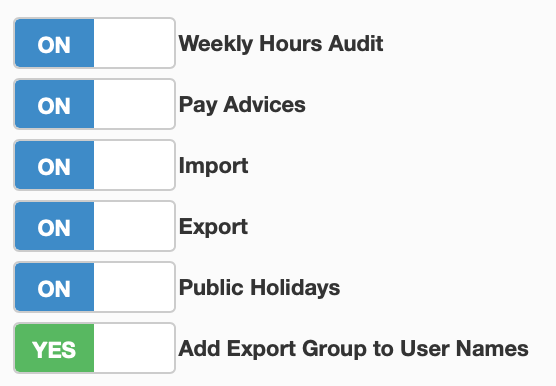
Toggle this to 'YES', now you will be able to see which export group everyone on the portal belongs to. This option will be visible everywhere you can see the users names.