
How do I allow leave requests on weekends?
To allow leave requests on weekends, head over to the account settings page which you can find by clicking the gear icon next to your name and clicking the bottom option.
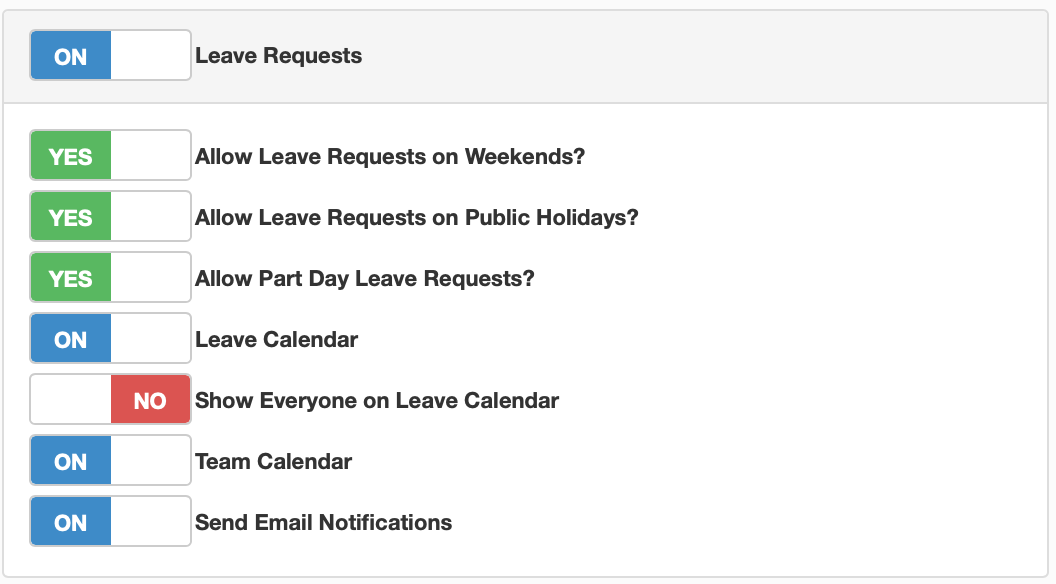
Once you get to account settings, click on the features tab. In the first box at the top will be all the additional options related to leave requests for the portal, toggle the slider called 'Allow Leave Requests on Weekends' to 'YES'. Your portal employees will now be able to apply for leave on weekends.
You can also do the same for public holidays in the same menu, toggling the option to 'YES' will allow portal users to apply for leave on public holidays.