
How to update Contact Details
To update an employee's contact details, head to the users screen. This can be accessed by clicking on the gear icon then selecting users.
When you are on the users screen, find the employee you are after either by searching through the table or using the search bar in the top right. Once you have found the employee, click on the pen icon next to their name. This will bring up the edit page.
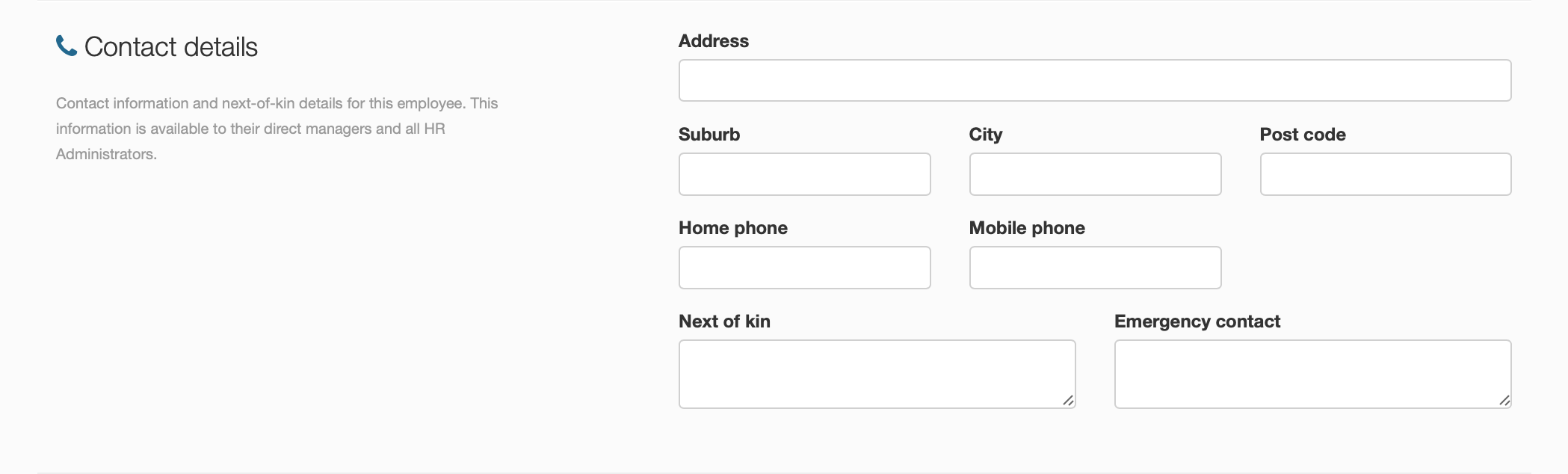
To change the contact details, scroll down until you find contact information, change what needs to be updated then click on the save changes icon.