
How do I view Pay Advices
To be able to view pay advices on your portal you will need to activate them under the account settings tab. To do this, click on the icon next to your name, then click the account settings button.
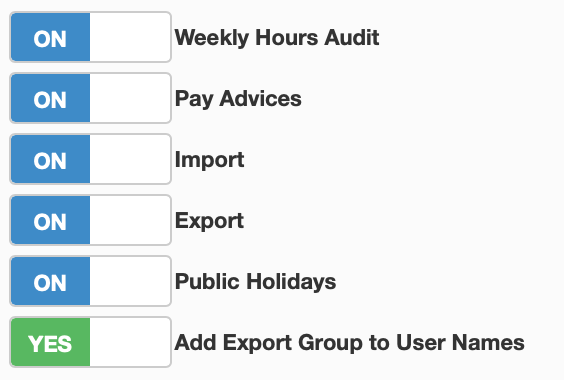
This will bring you to a selection of tabs, click the features tab. This will bring up a few options you can enable for the portal, on the right will be a small box with the slider to be able to view pay advices.

Toggle this slider to 'ON' and you will be able to access pay advices on your portal. To be able to see them, click on the 'Pay Advices' button on the right side of the dashboard.