
How do I remove an employee from a Team
If you are wanting to remove an employee from a team, in the event they no longer needed in the team or you are wanting to transfer them to a different team, this can be done from the 'Teams' page.
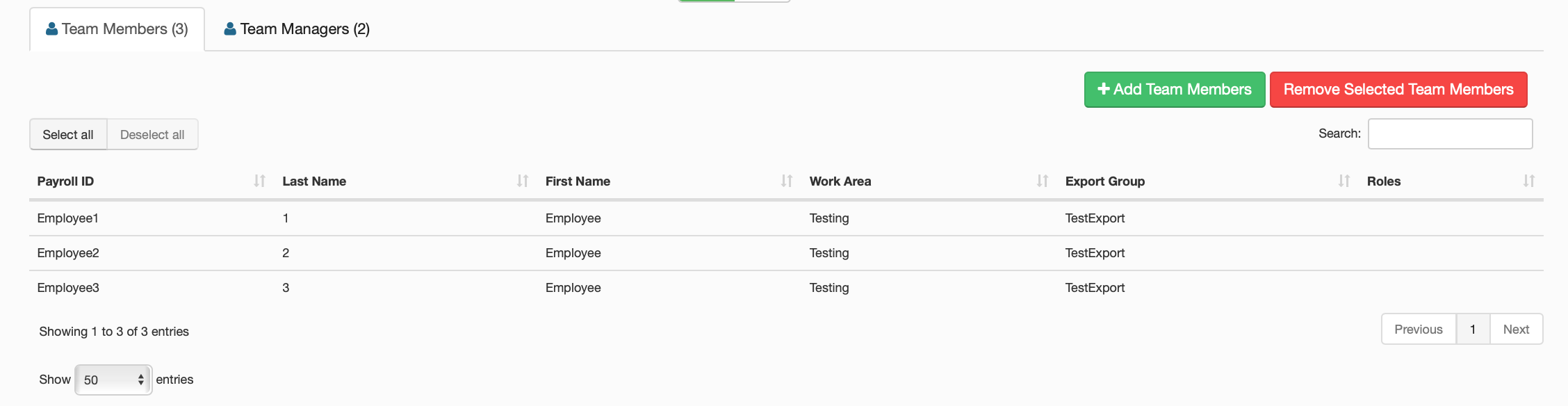
Removing an employee from a team simply involves clicking the edit icon on the team that the employee resides in, clicking on their line in the table of employees and then clicking on the button in the top right corner named 'Remove Selected team Members'. This will remove the employee from the team.
After you've removed the employee from the previous team, if you are wanting to add them to another one, go back to the teams page, click on a different team then add team members.