
Implementing job codes and work area codes
These two functions are initially hidden on the portal, you have to activate them within the account settings. To do this, click on the small gear icon on the header bar, next to where your name is. Once you have done this, click on the 'Account Settings' button. When you get to the next page, you'll notice five different tabs that you can browse through, the one you are looking for is 'Features'. These functions however are limited to HR and Bureau users.

When you click on the features tab, it brings up a whole list of different options you can choose from, separated into 3 different categories. In order to access these two functions, timesheets must be active. To activate timesheets, under the functions tab will be, by default, the timesheets slider, set to 'OFF'.
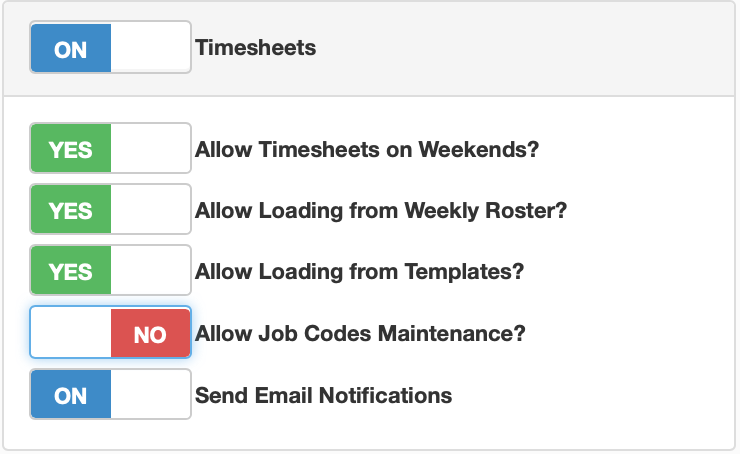
Switching the slider to 'ON' will give you the ability to create timesheets as well as the page for work area codes. If you would also like to be able to use job codes, there is a switch in the timesheet section that allows this. All you have to do is change 'Allow Job Code Maintenance' from 'OFF' to'ON'.
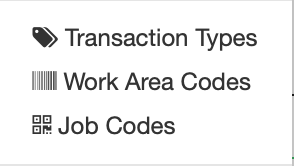
When you have done the above steps, you will have access to both the job codes and work area codes pages. These will be accessible through the gear icon next to your name, they will be under the transaction types button.