
How do I export files
In order to export a file, you need to click on the gear icon next to your name and select 'Export'. This will redirect you to the appropriate page.

Once you get here, press the green button in the top right corner, this will allow you to create a new export. When you press the button, you will see a series of boxes you will need to fill out in order to get your export file sent out properly.
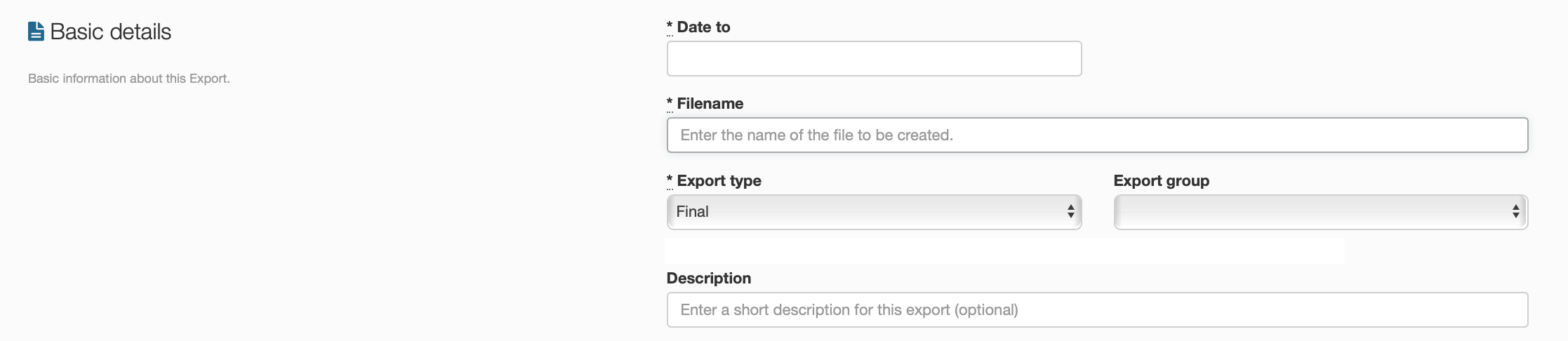
These boxes will tell your export where it needs to go and what type of export it is, whether it be a draft, which gets set in the chart of other exports waiting to be sent, or a final export, which gets sent straight away. You can also add a small description to make it easier to identify some exports.