
How do I make a Schedule
If you want to make a schedule, click on the gear icon next to your name and click on schedules.
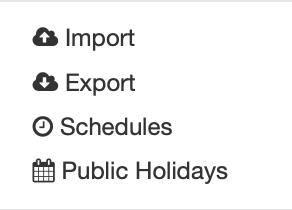
This will move you to the appropriate screen where you can create a new schedule. Once you get to this screen, click on the green button in the top right corner, this will bring you to this screen.
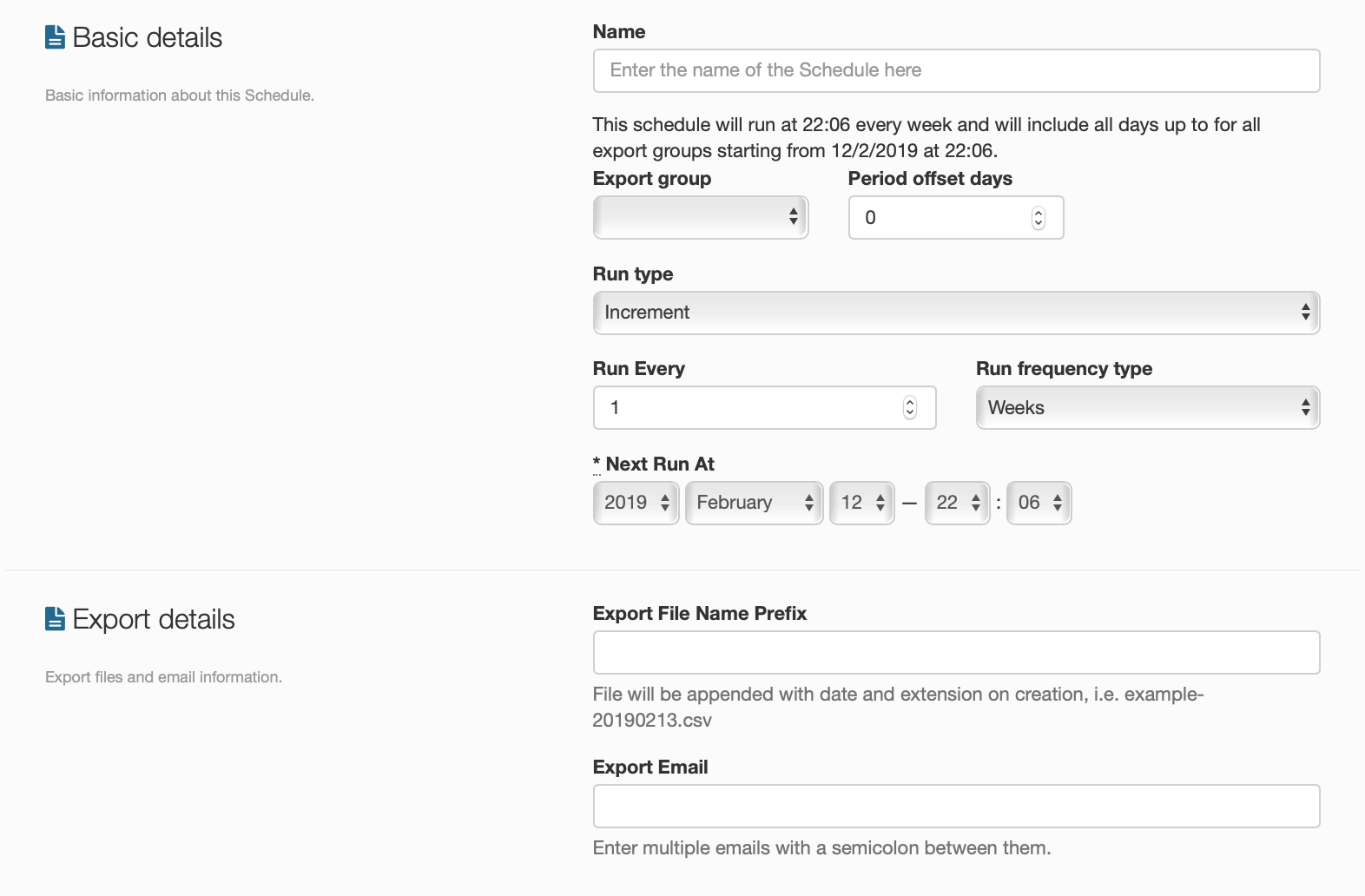
Once here, you will need to fill out every box to make sure your schedule doesn't have any issues, like getting the export email correct, the right frequency, etc. When you have finished click on the save icon and your schedule will be running.