
How to enable job and work area codes
If you are wanting to activate use job or work area codes but can't see them on your portal, you will need to set them up. This can be done from the 'Features' tab on the account settings page.

When you are looking at the 'Features' tab, you will notice a box with sliders for timesheets. If these are not active you will not have access to any timesheet options, however, moving the option to 'YES', will give you five sliders you can use.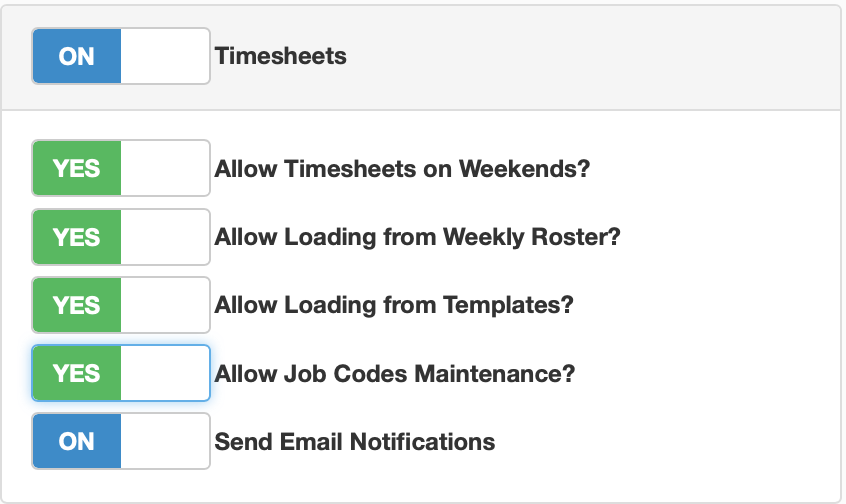
Activating timesheets will give you access to using work area codes, however you will need to activate job codes by selecting the 'Allow Job Code Maintenance'. This will give you access to both code maintenance pages.
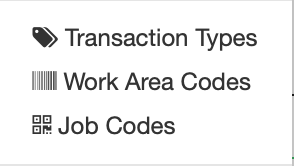 Once activated, these can both be accessed from the gear icon, which sits in the top right corner, next to your name.