
How to enable / disable the RSS feed
If you are wanting to activate the RSS feed if you don't have it running, or remove it if you no longer want it, these can both be done from the 'Payroll Details' section of your account settings screen.
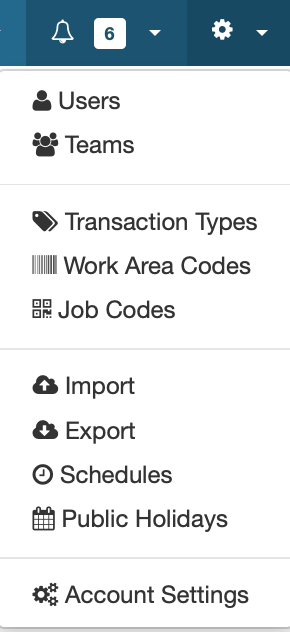
Click on the gear at the top of the screen, click on account settings, then you want to click on the 'Payroll Details' tab.

This brings up a small list of options you can use.

The RSS feed is near the top. If you want to activate the feed, simply post a URL to a news site in this box, if you don't want the RSS feed anymore, all you have to do is delete the URL.