
How do I disable the leave calendar
To disable the leave calendar, you need to head over to your account settings where you will find the functions tab. Under this tab will be a segment called 'Leave Requests', which is where you will find the toggle bar for the leave calendar. To disable it, move the slider from 'ON' to 'OFF'.
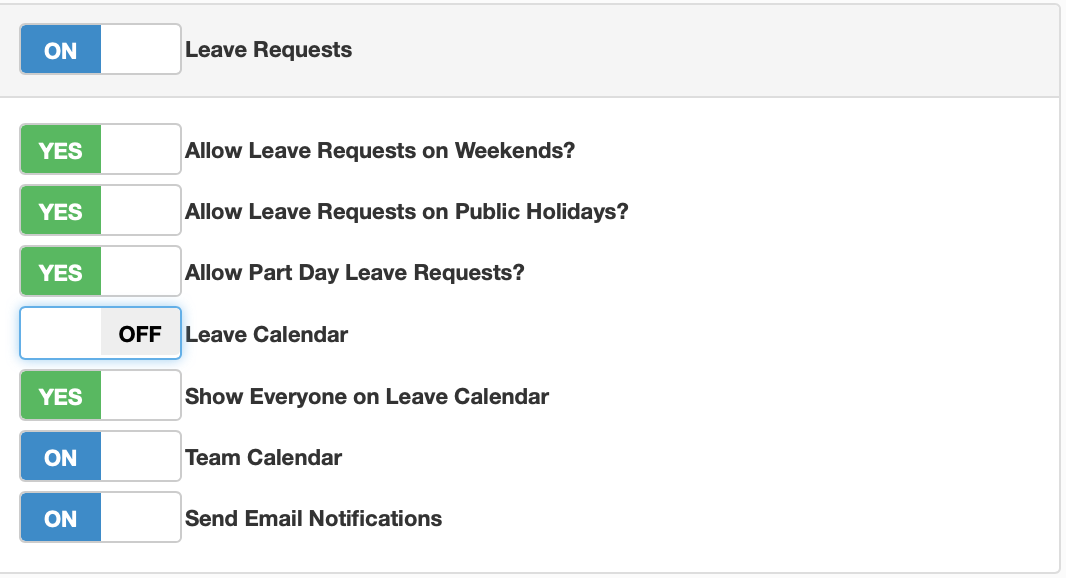
Once you have done this , click on save changes, you will then be moved back to the dashboard and the leave calendar will no be active on your portal.