
How to disable certain leave types
If you need to have some types of leave not visible to employees, this is possible to do. All you need to do is head over to the transaction types page and it can be done from there.
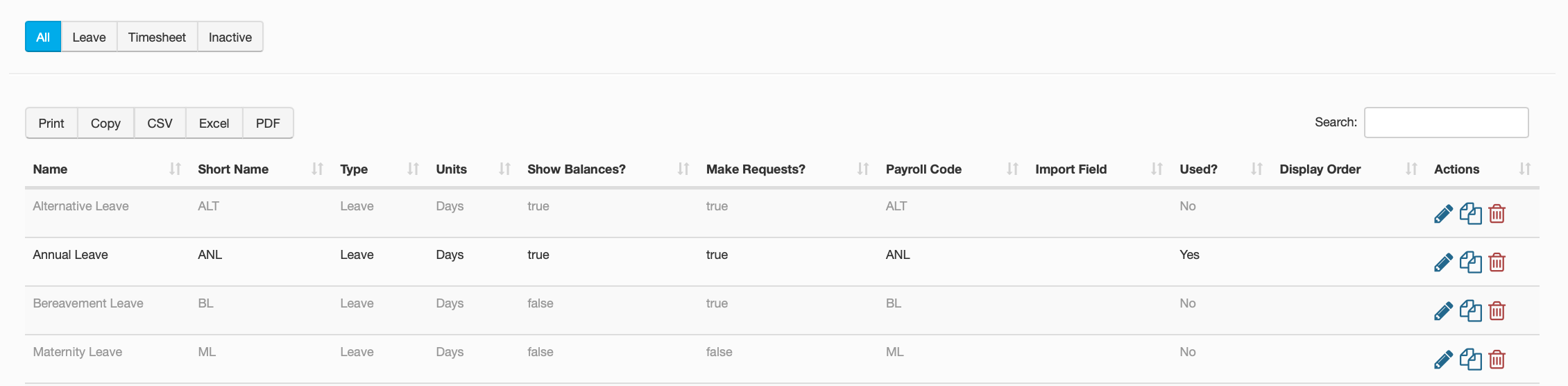
Start by clicking on the button for 'Transaction Types'. Once you have done this there will be a list of all the current leave types on your portal. If you want to have any of these not visible to employees, click on the edit icon on the right side of the table.
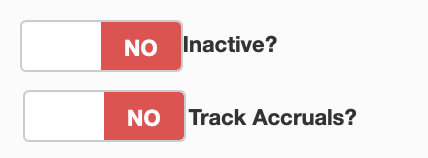
This will bring up all of the details of that leave type for you to be able to edit. Scroll down the the section labelled 'Payroll Settings', in this section you will see a toggle bar called 'Inactive'. Flicking this to 'YES' will mark that leave type as inaccessible and you will not be able to see balances for it or apply for it. You can also disable accruals for leave types as well, in the same area.
You can still view the leave type however, it does not disappear from the portal. On the table is a selection of options in the top left that will cycle what you can see, clicking on the inactive tab will show you all leave types that have been labelled as inactive.