
How do I make Leave show no balances
If you want to remove the display for leave balances for any particular leave type, head over to the 'Manage Transaction Types' page where you have a list of all active and inactive leave types on the portal.

To edit the leave type that you want to hide the balances of, click the small pencil icon at the end of the line.
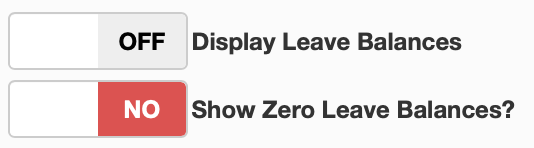
This will bring you to the edit screen, scroll down until you see an option to 'Display Leave Balances', toggle this option to 'OFF' and you will no longer see leave balances for that leave type.