How do I use timesheet templates

To use timesheet templates, under you account settings page, click on the features tab, this will bring up some options related to your portal, if your timesheets slider is enabled you will see a few more options, in the bottom tab is a slider bar called 'Allow loading from templates', having this on will allow you to use templates.

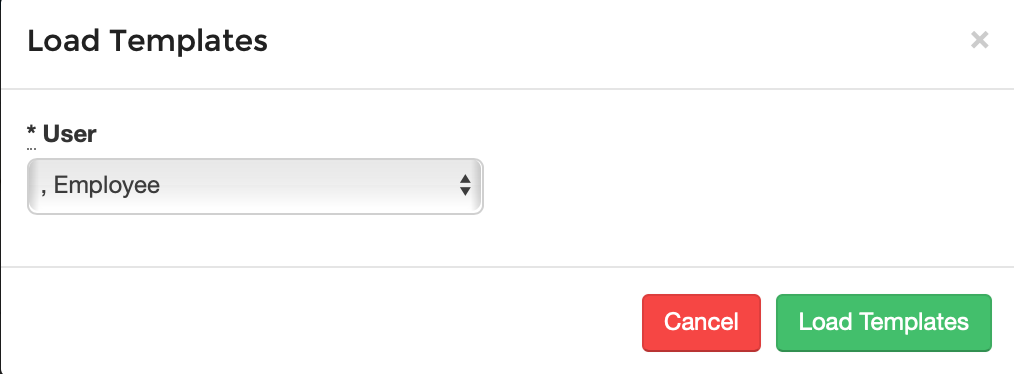
Once this is done, on your timesheets page will be another option in the top right corner for loading in timesheet templates. Select which template you want to use then click on the 'Load Templates' button.