How do I hide transaction types in Timesheets
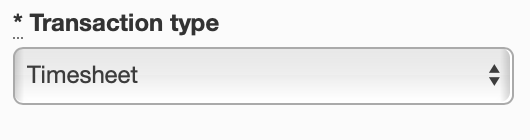
If you want to hide transaction types in timesheets, when you create a new transaction type, select the option to have it recognised as a leave type, this way it will not be able to be used in a timesheet. Simply select 'Leave' in the drop down menu if you want it to be invisible.
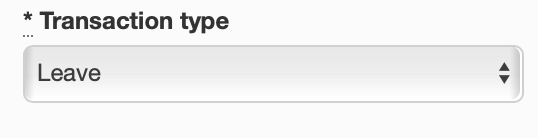
Otherwise if you would like employees to be able to use this transaction type when creating a timesheet, select the 'Timesheet' option, this way it will be visible.