How do I stop email notifications getting sent?
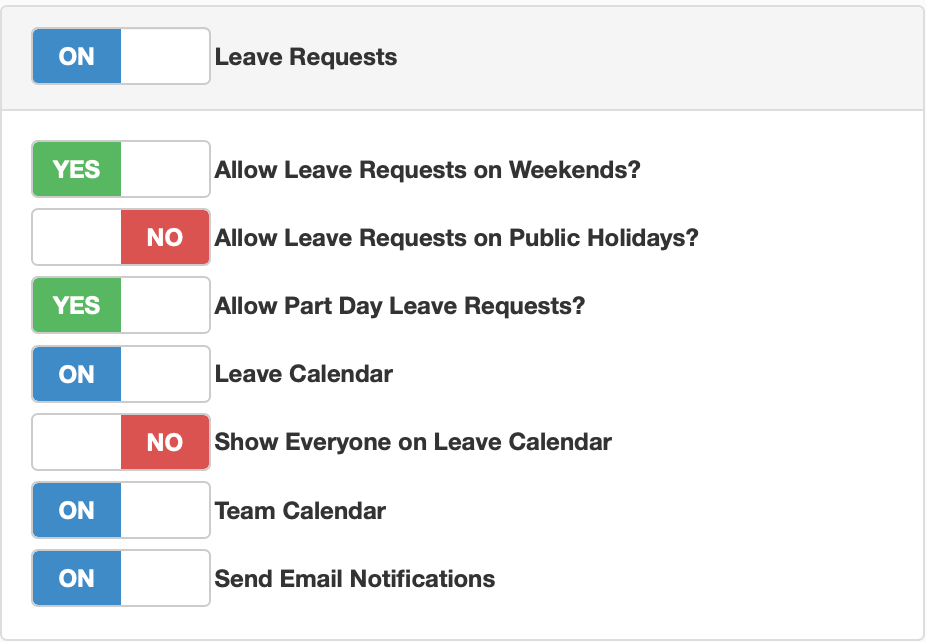
To stop email notifications getting sent out from the portal, under the account settings tab, click on the features option. You will see a box of options for leave requests, to stop notifications for these click on the 'Send Email Notifications', toggle this to off if you wish to stop email notifications getting sent out for leave requests.
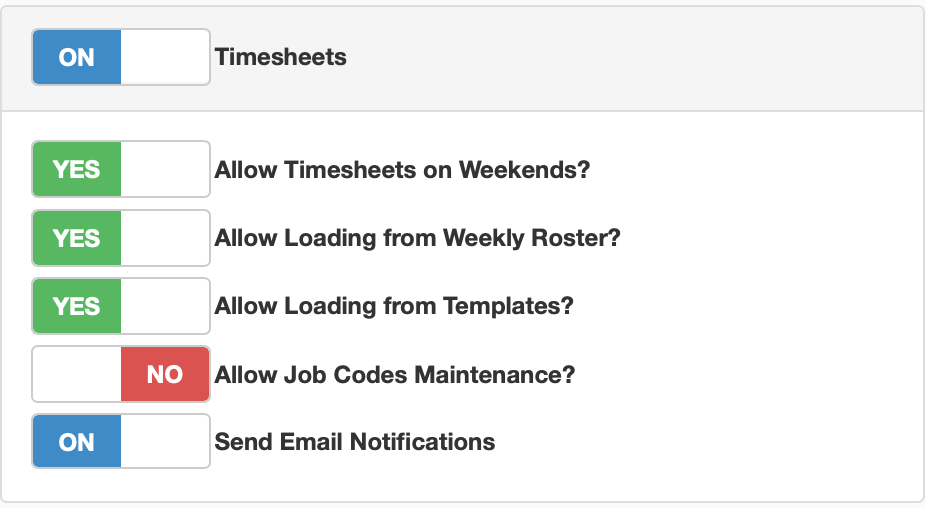
If you go down into the next box if timesheets are active on your portal, you will see the same button at the bottom of the box, this will allow you to toggle notifications for timesgheet